Test rules without the engine
The state crate has no scene, GPU or physics dependency. Exercise the model directly with controlled time and commands.
 Kosuno
01 · Architecture
Game logic, authoring tools and platform integration have distinct responsibilities. Shared contracts keep them in agreement as your project grows.
Scene runtime · rendering · physics · scripts · UI
Independent state model: commands · changes · snapshots · model timeExplore the boundaries
Project packages add components, inspectors, panels, importers and documents through open registries. Play uses the shared engine simulation; Stop restores the authored scene.
Editor tools remain in the authoring host.
The player links the runtime capabilities selected by the project. Content preflight checks requirements before scene installation, and platform shells handle their own events and presentation.
Desktop, WebGPU and mobile share a player core; platform validation remains necessary.
Player sessions step gameplay, query state and run scenarios without a GPU. Offscreen rendering can add captures. The independent state model also runs in tests and authority services.
Use the same operations from Rust, the CLI, JSON-RPC or an MCP adapter where supported.
02 · Game state & authority
Keep game rules independent of the scene, renderer and platform. Tracked resources, commands and model time form a foundation you can run in the game, in tests and on a headless server.
Intent → accepted state
A validated intent with an origin and a model tick.
Old and new values, map keys and resource lifecycle.
Rollback, persistence, subscriptions and authority synchronization.
The state crate has no scene, GPU or physics dependency. Exercise the model directly with controlled time and commands.
Client and server run the same model. Durable numbered batches, checksums and ownership fencing support recovery and reconciliation.
Rollback covers supported tracked mutations. Authority adapters exist; production accounts, scene integration and multi-server routing remain incomplete.
Human & agent workflow
Give an agent access to the running game: its state, its controls and the results of its actions. Use MCP to connect your tools, then inspect the evidence together.
Read state, available actions, command outcomes and script errors together. A capture can show the same frame, so the image and the evidence agree.
A coherent starting point for the next decision.
Illustrative call & evidence
observe{ "capture": true }State · actions · command outcomes · same-frame image
Address a control by its semantic ID. Available actions explain why a button is disabled or blocked. Taps pass through the game’s input and command flow.
The ID is supplied by the game. A successful tap still needs an outcome check.
Illustrative call & evidence
tap{ "id": "shop.buy" }Input applied · simulation tick returned
Inspect the next observation for the command result and expected state. Run scenarios with bounded waits, invariants and image comparisons when the result is visual.
Did the purchase succeed? Check the inventory and currency, then inspect the image.
Illustrative call & evidence
observe{ "capture": true }Command result · updated state · visible result
A failed scenario leaves its recording, last observation, history and failure details, with a capture when rendering is enabled. Replay the run and preserve a regression scenario.
Replay reports what it compared and where the recorded state first differs.
Illustrative call & evidence
Replay the recordingcargo xtask run PROJECT --replay RUN_FOLDERIdentity checks · sampled hashes · divergence report
Author
Inspect component schemas, change properties and apply scene patches as undoable edits. Project packages can expose their own tools.
Exercise
Run the project’s player in a headless session. Step without a GPU for logic checks, or render offscreen to inspect the real image.
Connect
The MCP adapter exposes the engine’s structured protocol. Query the connected host’s methods to discover what it can do now.
Available operations depend on the host and mode. Automation runs in development and test hosts.
Connect an agent →03 · Iteration
The SDK compiles your Rust packages against its engine libraries. Change game code, rebuild it in the background, and reload it in the editor with build-identity checks and schema-based state restoration.
Native game code
SDK editors swap packages in Edit mode. Changes compiled during Play wait until Stop. A failed compilation keeps the last working library loaded.
Project tools
Register your own inspectors, panels, asset formats and importers. Runtime components stay independent of the editor UI.
Iteration paths
Use native packages for systems and rules, scripts for gameplay behavior, and per-file reload for supported assets. Explore the workflow →
04 · Game UI & presentation
Bind animated vector inputs to game state. Keep language choice in player preferences. Render many widgets through shared atlas pages, with runtime state owned by the scene.
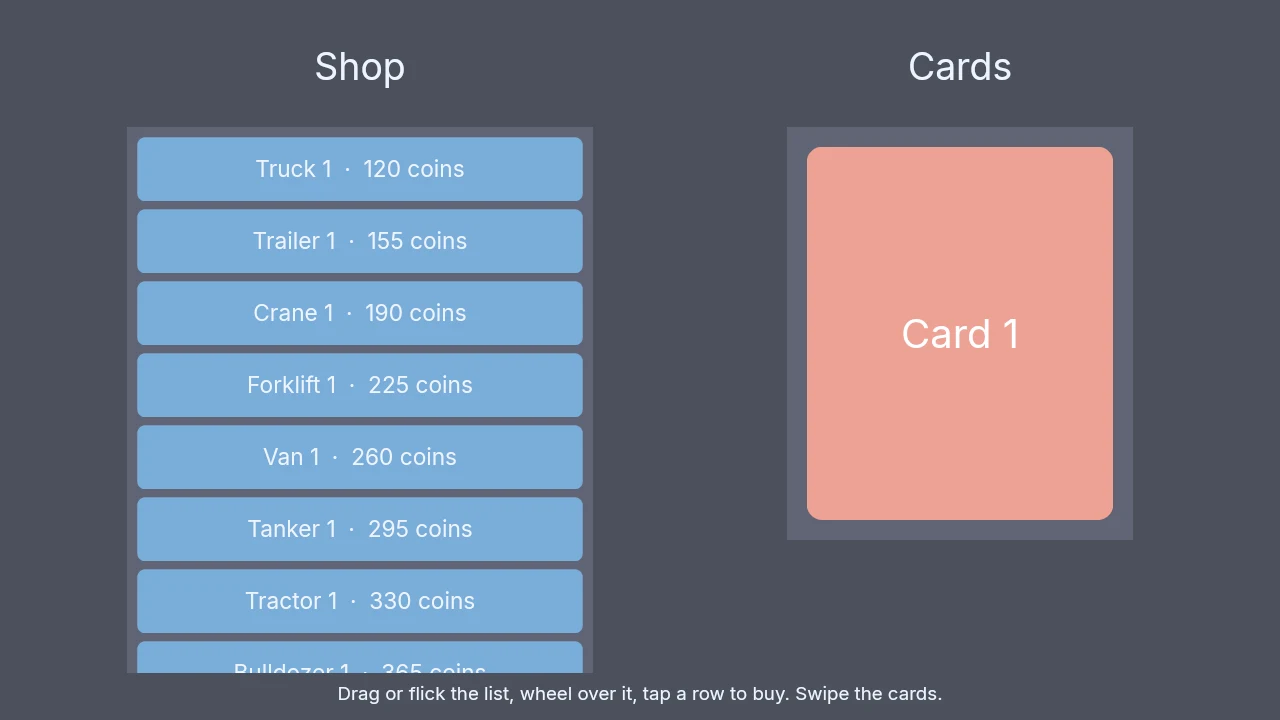
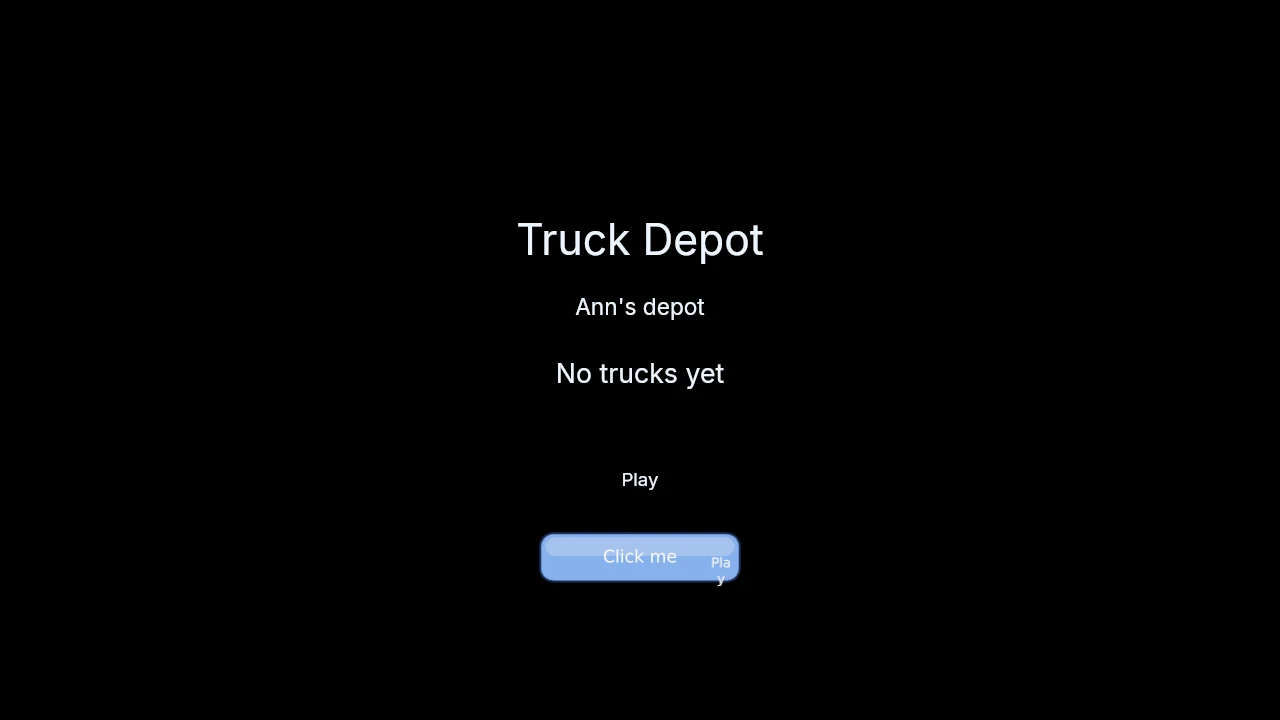
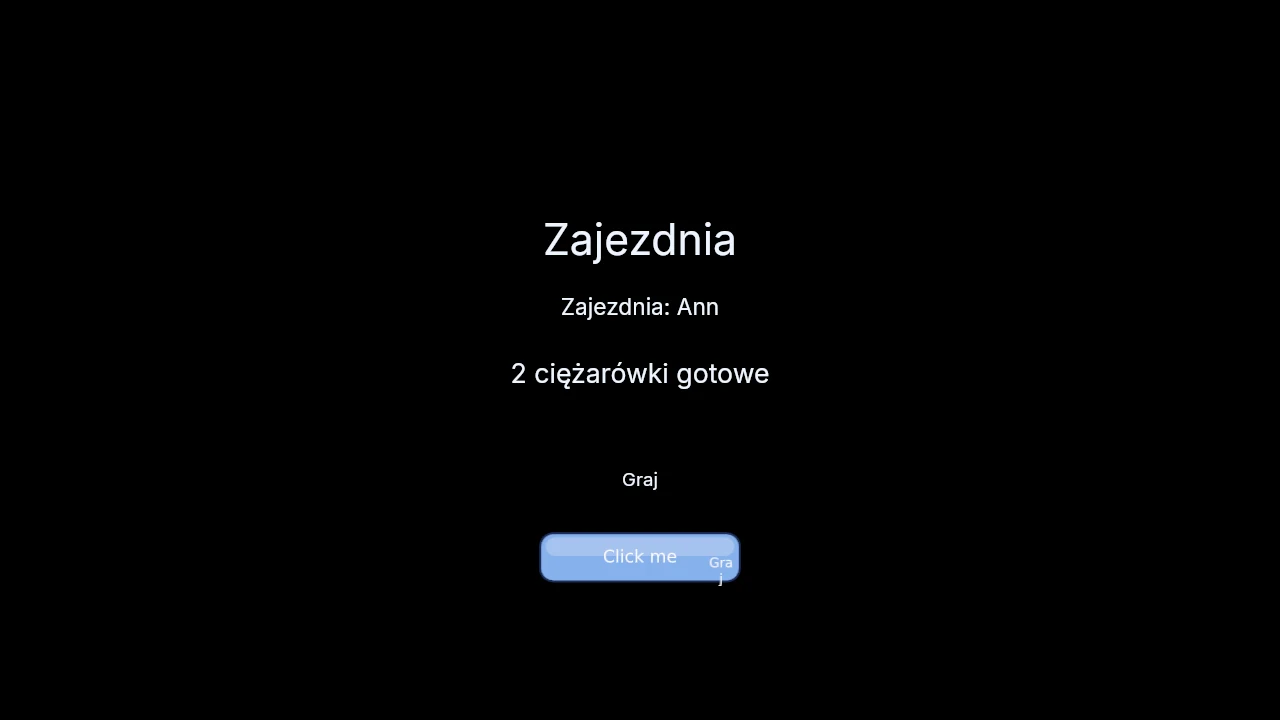
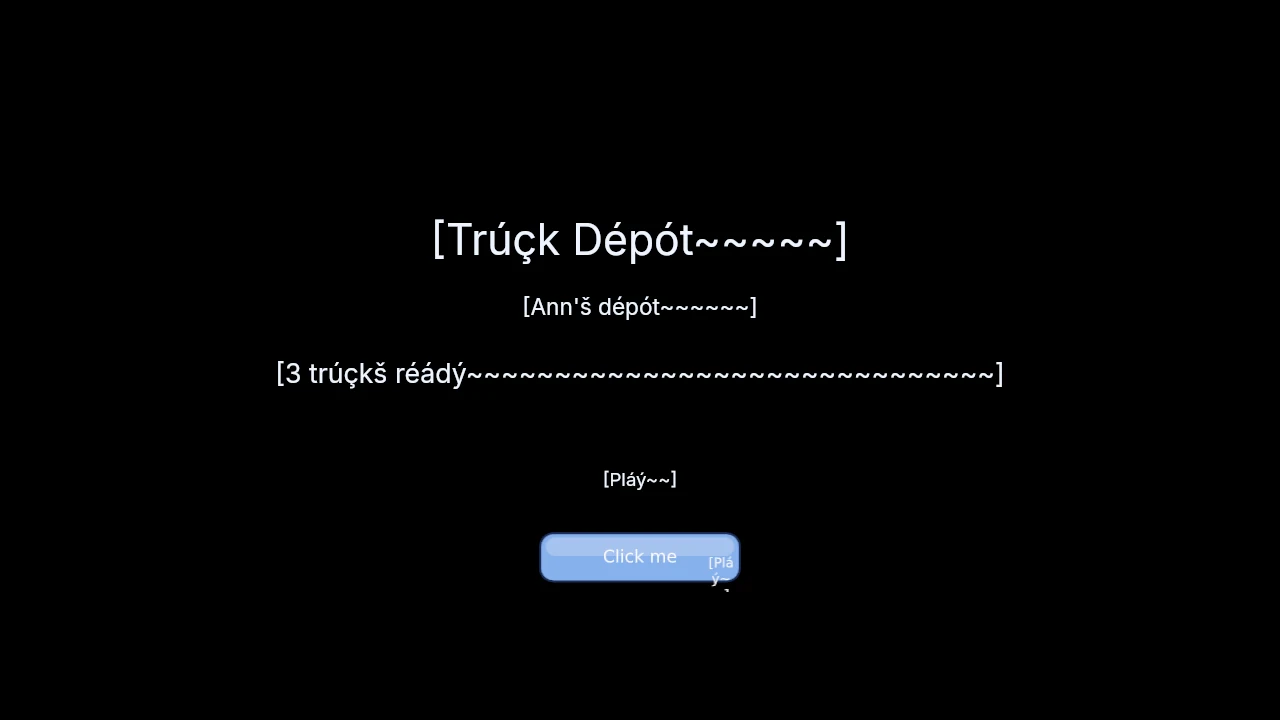
State → animated inputs
Numbers, colors, booleans and text drive vector inputs through the same state-binding system as other UI properties. Edit previews show declared defaults without changing saved data.
Widgets → shared atlas
Static pages update on change. Animated widgets move to dynamic pages and render together. The UI composites their regions as ordinary batched quads.
Text → player locale
Text carries a key and arguments. Labels resolve it using the player's locale and ICU plural rules. Pseudo-localization and table checks expose translation and layout errors.
The captures run in the native player; this viewer does not run the engine. Atlas blocks illustrate the architecture. RTL, translator exchange and per-locale content loading remain unfinished.
UI & localization architecture →05 · Reproducibility & automation
Execution checkpoints hold the work in progress, from a physics solver to an animated interface. Recordings and failure bundles connect a report to the run that produced it, with structured observations for developers, CI and AI agents.
Compare the state held by each section as execution continues.
More than a game save
Tests restore a unit mid-path and vector art mid-transition, then compare continued state frame by frame. Recordings carry per-section digests to locate differences.
Input, time, storage reads and asynchronous delivery points.
Check build, package and content identity; compare state hashes.
Inspect state, command outcomes, logs and a capture at the failure.
Convert recorded interactions into a repeatable scenario.
Exact replay targets the same build and platform, within declared state coverage. Execution checkpoints refuse unsupported runtime state by name.
Verification and its boundaries →Shared sessions & replay
Watch a native game in your browser while an agent inspects the same session. Open a recording, pause to investigate, then take control and continue live.
A Machina-fractured gateway collapses, repeats from the same checkpoint, then reacts to a different launch direction.
The recording drives input, timing and external readings. Identity checks and sampled state hashes help establish whether the replay matches.
Pause playback and inspect the same session through the agent protocol. Compare the visible game with its state, commands and script errors.
Taking control ends recorded playback and continues the game live from its current state. A human or an agent can supply the next input.
This diagram explains the workflow; it does not launch a game. Current playback controls are Pause/Play, +5 seconds and Restart. Taking control continues live; a new recording with parent-run lineage is planned.
Browser review
Native frames stream over WebRTC. Up to four viewers can watch one session using a view link. A separate control link also permits input.
Explicit handoff
People and agent connections share input ownership. Taking or releasing control clears held input; viewers can keep watching during the handoff.
Restore & continue
Checkpoints capture registered runtime state. The session API can restore a checkpoint and verify the recorded frames that follow it.
Streaming currently supports local and LAN development. Audio, a clickable replay timeline and arbitrary backward seeking remain unfinished.
Replay sessions and their boundaries →06 · Content & deployment
One dependency graph connects content inspection and build planning. Follow references, see inclusion reasons, and validate requirements against the capabilities of the actual player.
Author → cook
Scenes, clips, controllers, materials and environments cook to binary assets. The cooker checks decoded output against the parsed source before accepting it.
Procedural → baked
Bake graph outputs into ordinary Kosuno assets. A project using baked outputs can leave Machina out of the player when it needs no runtime generation.
Build → release
Hash-addressed objects and catalogs identify native releases. Supported content-only changes can update a local release without compiling its player.
Content-only compatibility has explicit restrictions. Remote delivery and publication remain planned.
Content contracts →07 · Worlds & resource lifetime
A player, vehicle or server observer can define where entities stay active. Streaming belongs to the scene, so the same system runs in a visible player and on a headless host.
Entity lifetime
Explicit sources set simulation radii. A sparse spatial index finds returning entities; a margin prevents repeated boundary thrashing. Entity streaming works without the voxel package.
Voxel chunk preparation
Chunk reads and decoding run on the content executor. Native workers prepare them off the main thread; single-threaded Web advances preparation within a frame budget.
On native hosts, edited chunks can spill beyond the memory limit and load back when needed. The cache is session scratch; game saves provide persistence.
Entity sources and voxel residency are distinct: the voxel window still follows one view. Web persistent storage and remote content delivery remain planned; large indivisible decode steps can exceed the frame budget.
Streaming & storage contracts →08 · Rendering
Kosuno renders with wgpu through a feature-driven render graph. Features declare their passes and resources, the graph validates dependencies, culls passes with unused outputs and pools compatible transient textures by lifetime. Stable graph structures reuse compiled analysis. The mesh path works on its own; voxel ray marching is a backend the voxel package adds.
Shaders
A material names a shader and its properties. Custom .rvsl shaders are tracked assets: the renderer reflects their uniforms and fills them from the material, and they hot-reload.
Settings
Rendering and environment settings load from ProjectSettings/ and can be tuned live. A setting that changes compiled shader branches rebuilds that one pipeline; anything else is a uniform and applies on the next frame.
Profiling
The graph inspector exposes passes and resource use. Per-pass GPU timestamps and exported profiler data help measure the selected workload on real hardware, Android included. Read the mobile command-memory investigation →
Pooling reuses exact-descriptor textures with disjoint lifetimes. Device gains depend on the workload.
Render graph architecture →09 · Engineering evidence
Workload-specific measurements and executable contracts make the architecture assessable. Each result has a scope.
Execution checkpoints · October 17, 2026
The physics checkpoint reuses shapes from the rebuilt scene and captures the solver state needed to continue. Shape compatibility is checked before accepting the restored world.
9.42 MB0.61 MB
7.6 ms0.53 ms
11.4 ms0.94 ms
Documented local release-build measurement: 451 bodies, 1,801 contacts, a 131k-triangle ground, 50 hulls and 400 boxes. These timings cover the physics section, not an entire game restore or disk I/O. Results depend on hardware and scene.
Mesh batching · October 15, 2026
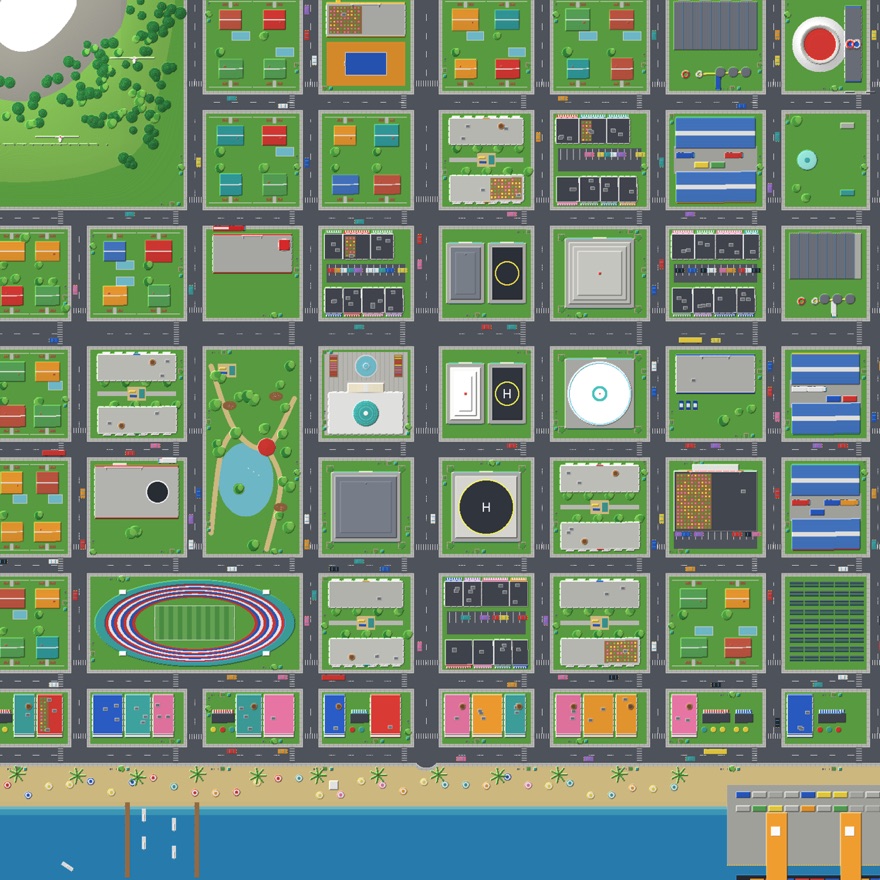
The generated town benchmark contains 5,351 mesh entities, including 50 moving cars. These counts compare its node-based scene before and after automatic batching and persistent GPU records.
3,7953
466
3,82450
The documentation reports pixel-identical output before and after this optimization. Counts describe this scene; they are not a general frame-rate claim. Device timings, resolution, run conditions and variation are recorded with the benchmark.
State contracts
Generated command sequences exercise rollback, record replay, resource lifecycle and snapshots against an independent model.
Authority foundations
Fault tests drop, duplicate and reorder messages, restart clients and servers, and check durable state convergence. Production service integration remains incomplete.
Composition
Separate builds check default and reduced engine, editor and player compositions so workspace feature unification cannot hide missing gates.
10 · Capabilities
Scenes, prefabs, scripting, game UI and input form the core. Add the specialized systems your project needs through packages.
Mesh rendering, materials and shaders; skeletal and property animation, controllers, blend spaces, root motion, IK and morph targets.
Rigid bodies and compound colliders behind a solver-neutral API, with an optional navigation package for navmeshes and pathfinding.
Destructible voxel volumes, GPU vector graphics, Story playback and Machina procedural geometry extend the shared foundation.
09 · Evaluate Kosuno
Review the implementation status, build the editor, and test a representative workload on your target hardware. Setup and SDK instructions explain the available development paths.
# first build also prepares offline launches
$ cargo build --locked -p kosuno_editor -p xtask
$ ./run-editor.sh            # run-editor.cmd on Windows

# an optimized editor for performance work
$ ./run-editor.sh --release

# ship a player
$ cargo xtask web build
$ cargo xtask android build